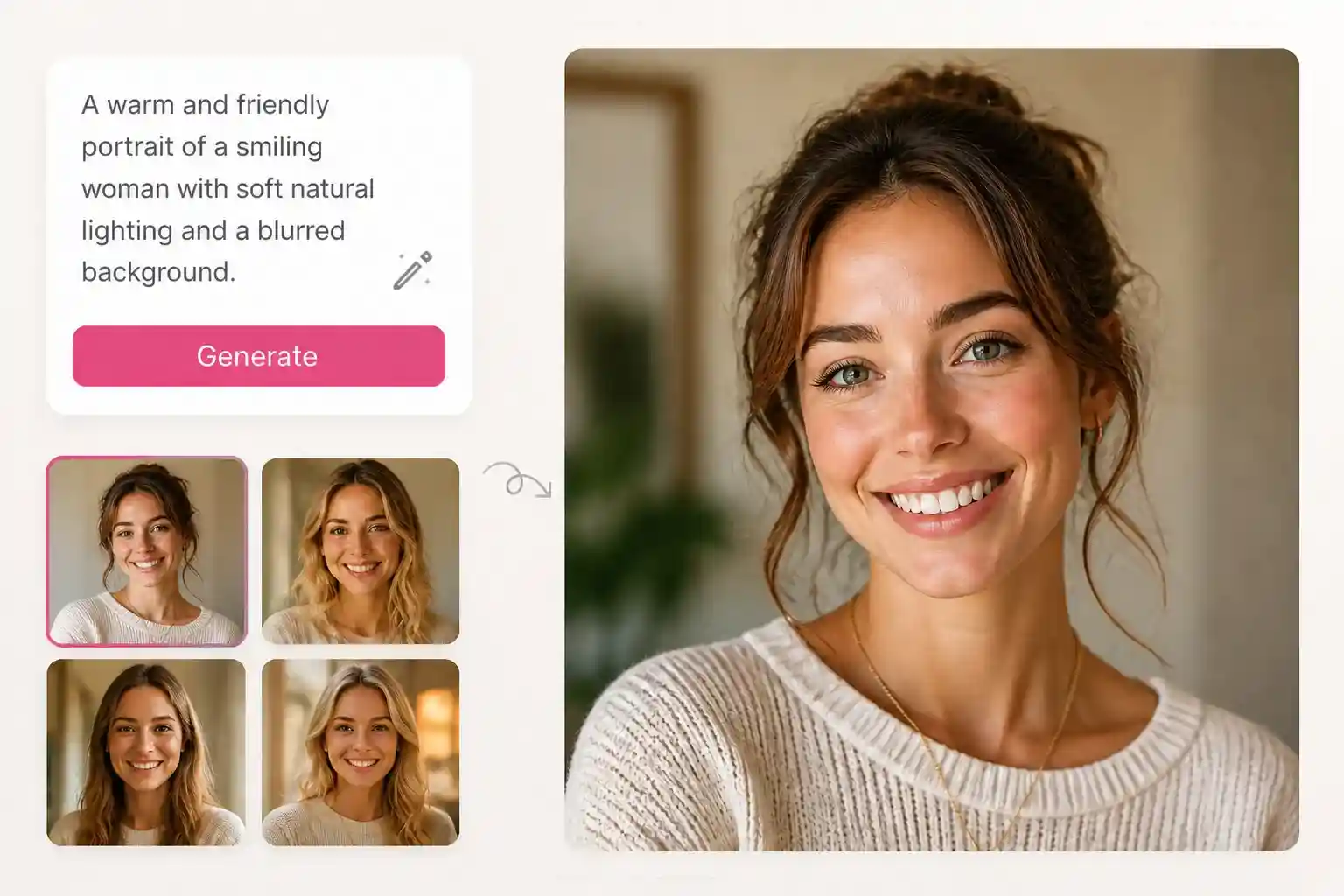
Free AI Image Generator Online

Try ImageEditorAI's free AI image generator online to turn text prompts into images. Preview your artwork and download your favorite results.

AI Image Generator for Atmospheric Fantasy Scenes

Imagine a hidden castle built into towering cliffs, overlooking a glowing ocean beneath a violet sky. An AI image generator helps turn imaginative settings into visual scenes by combining your subject, environment, and desired atmosphere. Describe dramatic architecture, unusual color palettes, and cinematic lighting to create fantasy landscapes that feel immersive and visually distinctive. After generating the image, you can refine details, adjust the mood, or restyle the scene with our AI image editor for even more creative control.
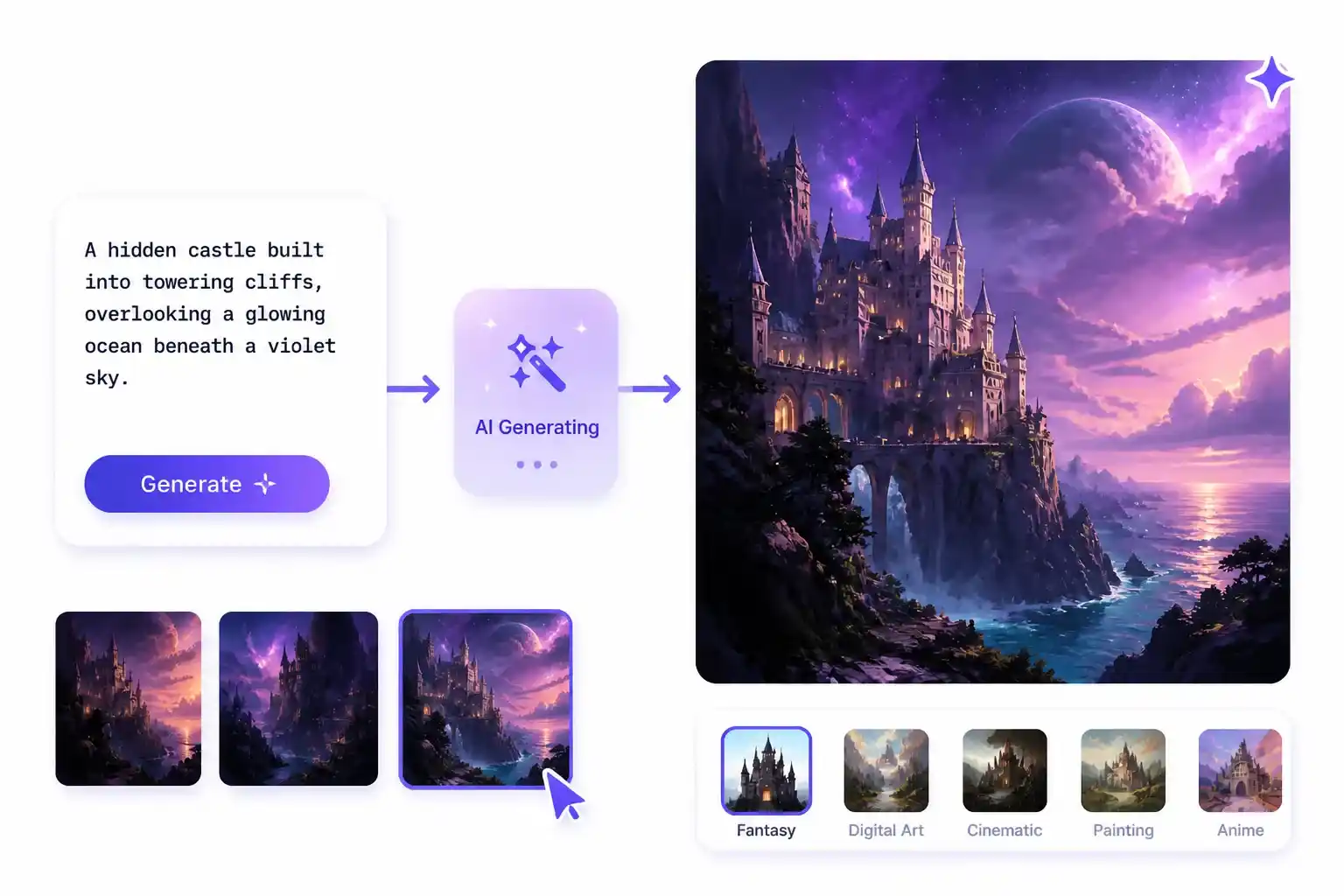
  • Define the setting, architecture, and surrounding environment
  • Describe the atmosphere, lighting, and color palette
  • Explore different visual styles to bring your imagined world to life
Fantasy castle built into towering cliffs above a glowing ocean beneath a violet sky, created with ImageEditorAI.

Text to Image AI for Realistic Model Photography

A fashion model in a minimalist studio can convey elegance, confidence, or a relaxed lifestyle depending on the pose, styling, and lighting. Text to image AI lets you create these looks from a written description without arranging a photoshoot. Specify the model's appearance, outfit, body posture, and camera angle, then explore how different visual directions suit your fashion campaign or brand.
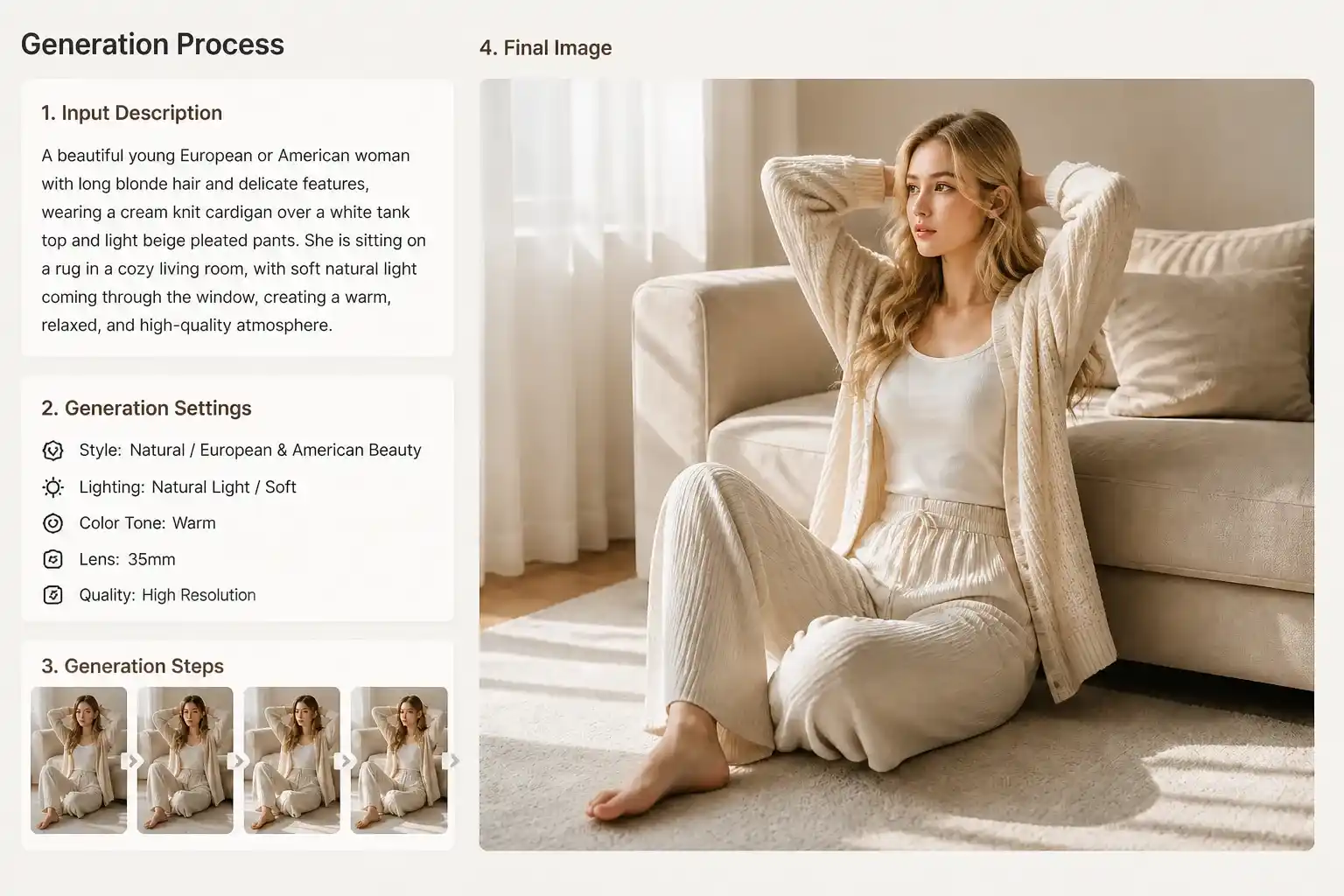
  • Describe the model's appearance, outfit, and pose
  • Specify the lighting, camera angle, and photographic style
  • Review facial details, clothing textures, and overall composition
Realistic fashion model in a minimalist studio with carefully styled clothing, pose, and lighting, created with ImageEditorAI.

Find Your Best AI Image Generator Match

A skincare bottle photographed against a plain white background creates a different impression from one displayed in a bright, carefully styled bathroom. Use an AI image generator to explore product presentation by describing the setting, lighting, materials, and composition. Try ImageEditorAI's trial to compare different visual directions, then download a promising result to see how it fits your product page or marketing campaign.
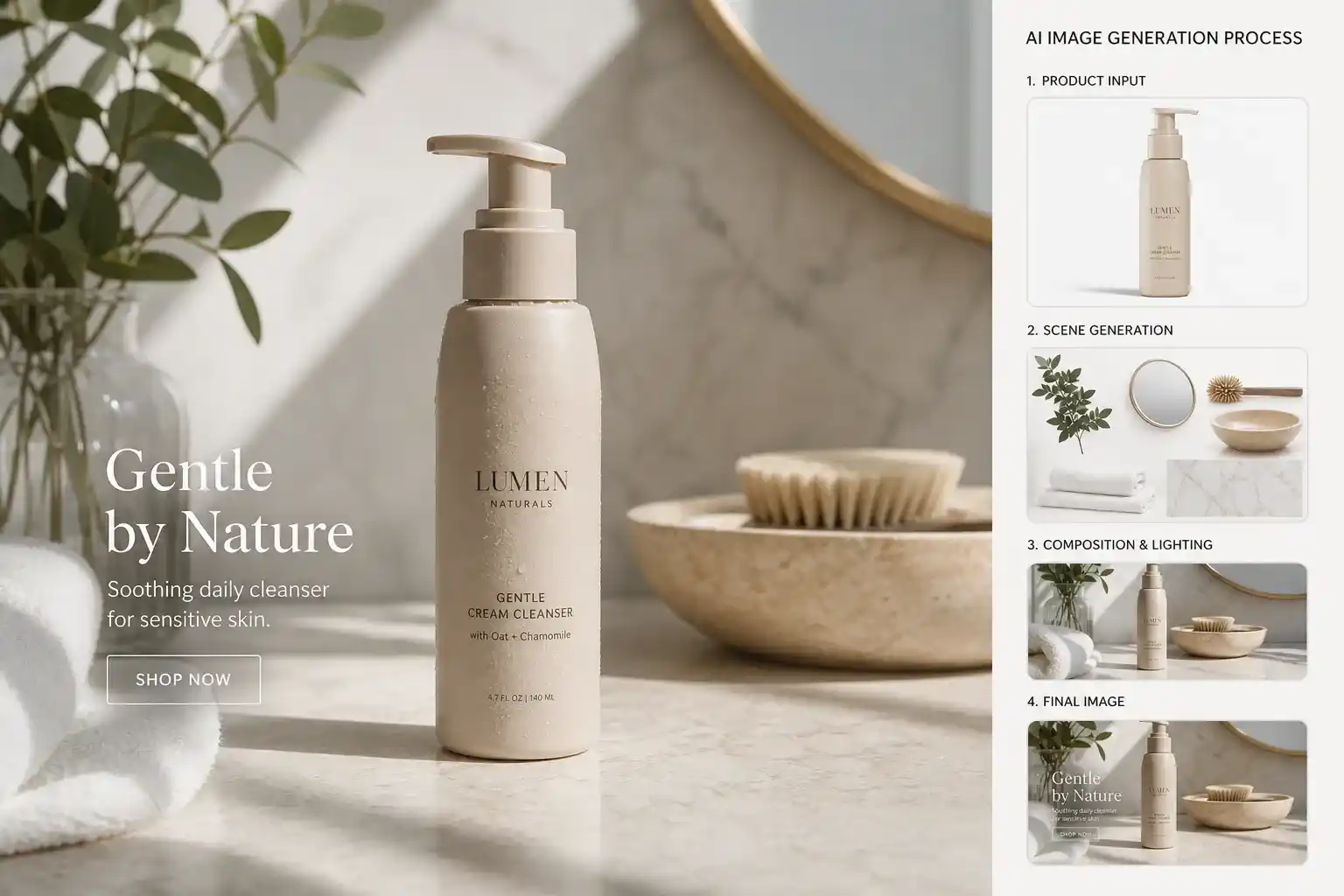
  • Start with a clear product and target audience
  • Compare backgrounds, lighting, and composition to find the right look
  • Review the generated image in your e-commerce layout
Skincare bottle displayed in a bright bathroom setting for a product marketing concept, created with ImageEditorAI.

AI Image Generator Free Online for Everyday Projects

Explore an AI image generator free online with a focused task, from a decorative motif to a fictional packaging concept.

Illustrated avatar of an invented character with distinctive clothing and expression, created with ImageEditorAI.

AI Picture Generator for Illustrated Avatars

Describe an invented character's clothing and expression to explore an illustrated avatar with a distinctive personality.
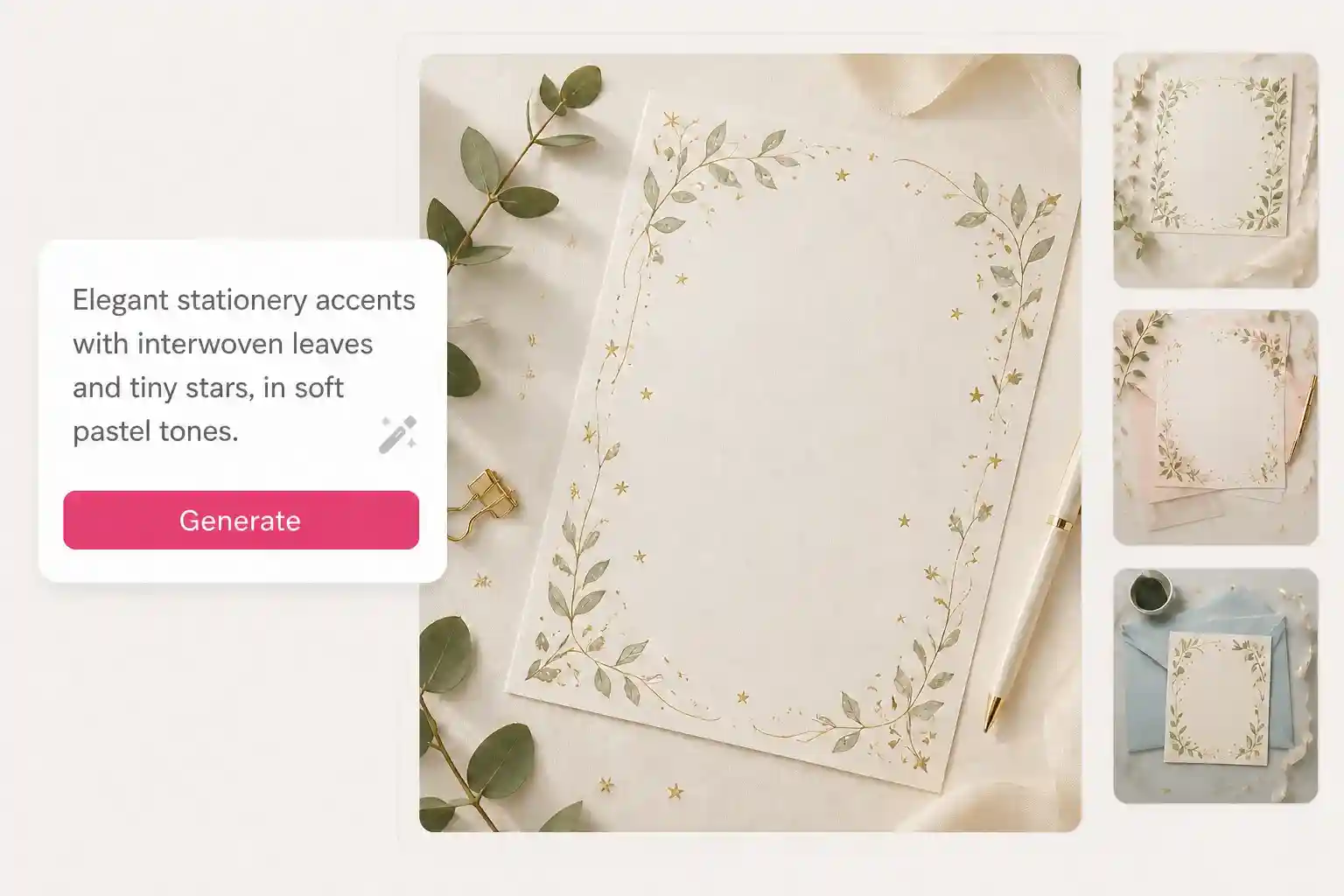
Decorative stationery artwork with interwoven leaves and small stars, created with ImageEditorAI.

AI Image Creator for Stationery Accents

Give the AI image creator a motif, such as interwoven leaves and small stars, to develop decorative artwork for personal stationery.
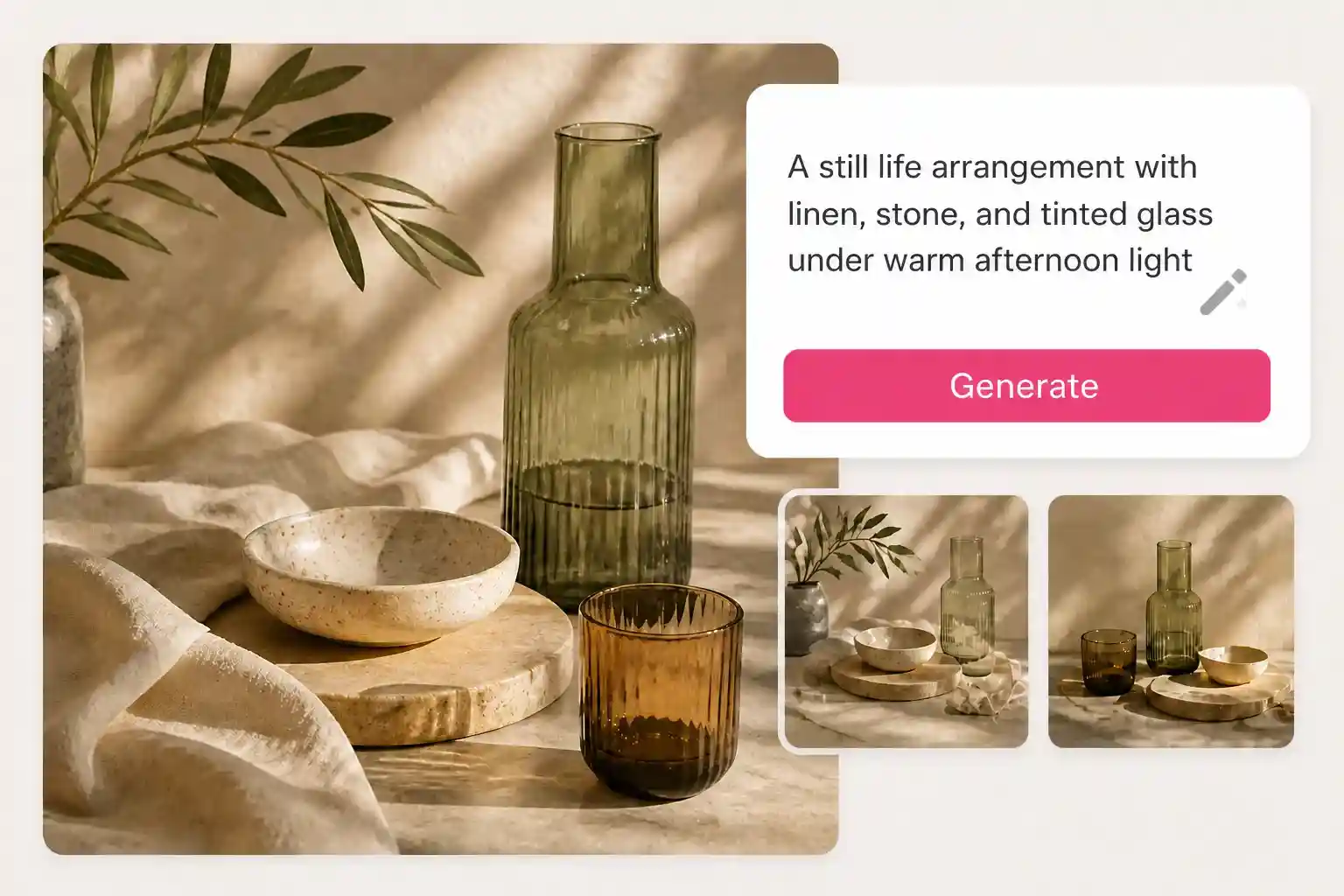
Photographic material study of linen, stone, and tinted glass under directional lighting, created with ImageEditorAI.

AI Photo Generator for Material Studies

Describe linen, stone, or tinted glass under a particular light to explore a photographic arrangement of contrasting materials.
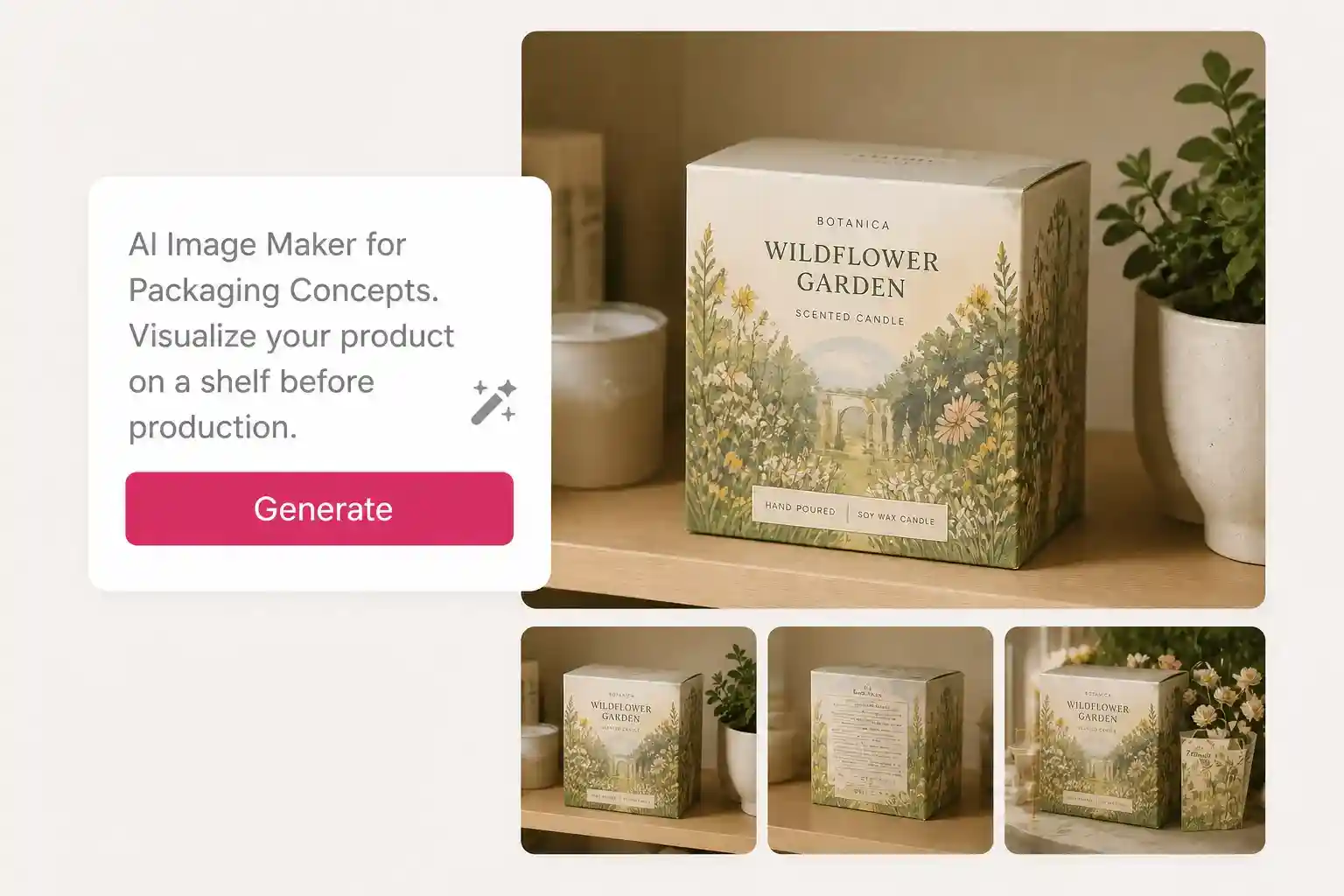
Fictional product packaging displayed on a shelf as a design concept, created with ImageEditorAI.

AI Image Maker for Packaging Concepts

Use the AI image maker to visualize a fictional package on a shelf before developing its physical presentation.
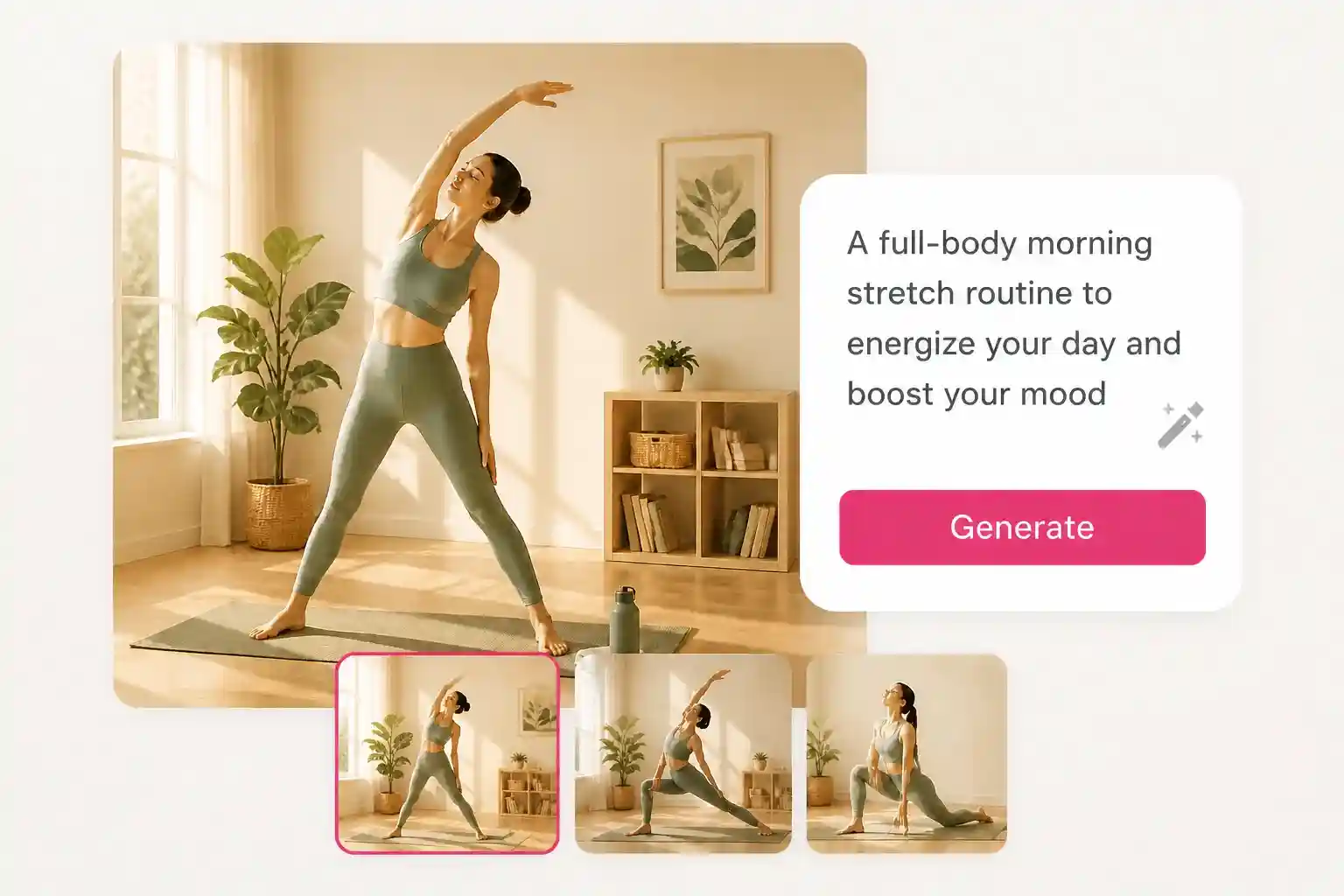
Fitness article illustration showing a movement or stretching habit, created with ImageEditorAI.

AI Generated Images for Fitness Articles

Generate an illustration of the movement or habit your article explains, then review the pose for clarity and accuracy.
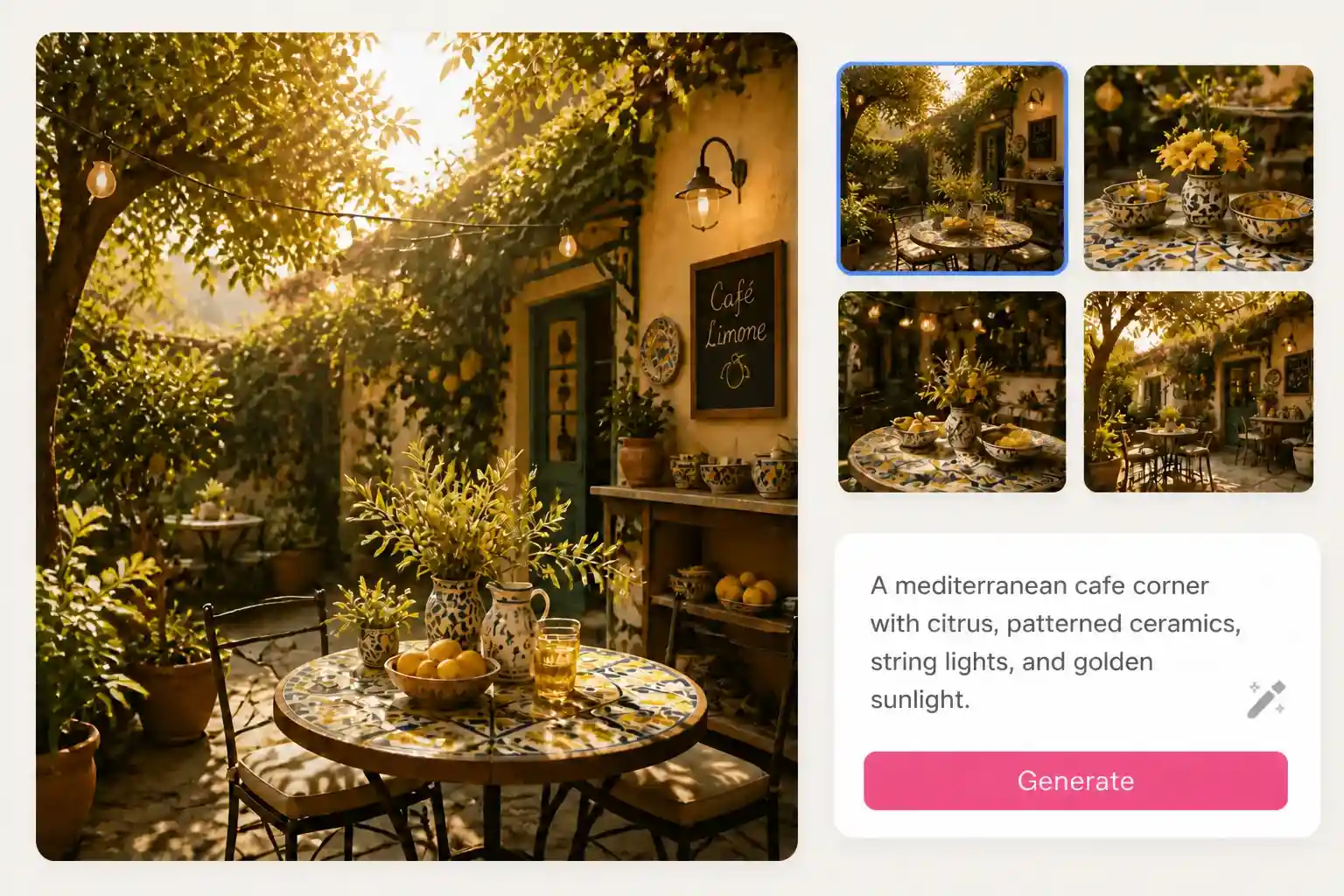
Cafe wall-art concept featuring citrus, patterned ceramics, and warm light, created with ImageEditorAI.

Free AI Photo Generator for Cafe Wall Art

Try the free AI photo generator to explore citrus, patterned ceramics, and warm light as a wall-art concept.

Free AI Image Generator for Different Creative Roles

The same prompt field can serve different goals: a shop's decorative imagery, an explanatory illustration, or a personal art study.

AI-generated lifestyle product scene for an online seller’s listing or marketing campaign.

Online Sellers

A new product deserves visuals that make its features easy to understand. Use an AI image generator to create lifestyle scenes for clothing, cosmetics, accessories, or home goods. Describe the setting, lighting, and product placement to explore different presentation styles without arranging a physical photoshoot.

  • Create lifestyle backgrounds for product displays
  • Explore different visual styles for product campaigns
  • Develop image concepts for product listings and promotions

AI Image Generator in Three Simple Steps

Write a description, generate a picture, and save the result you want to work with.
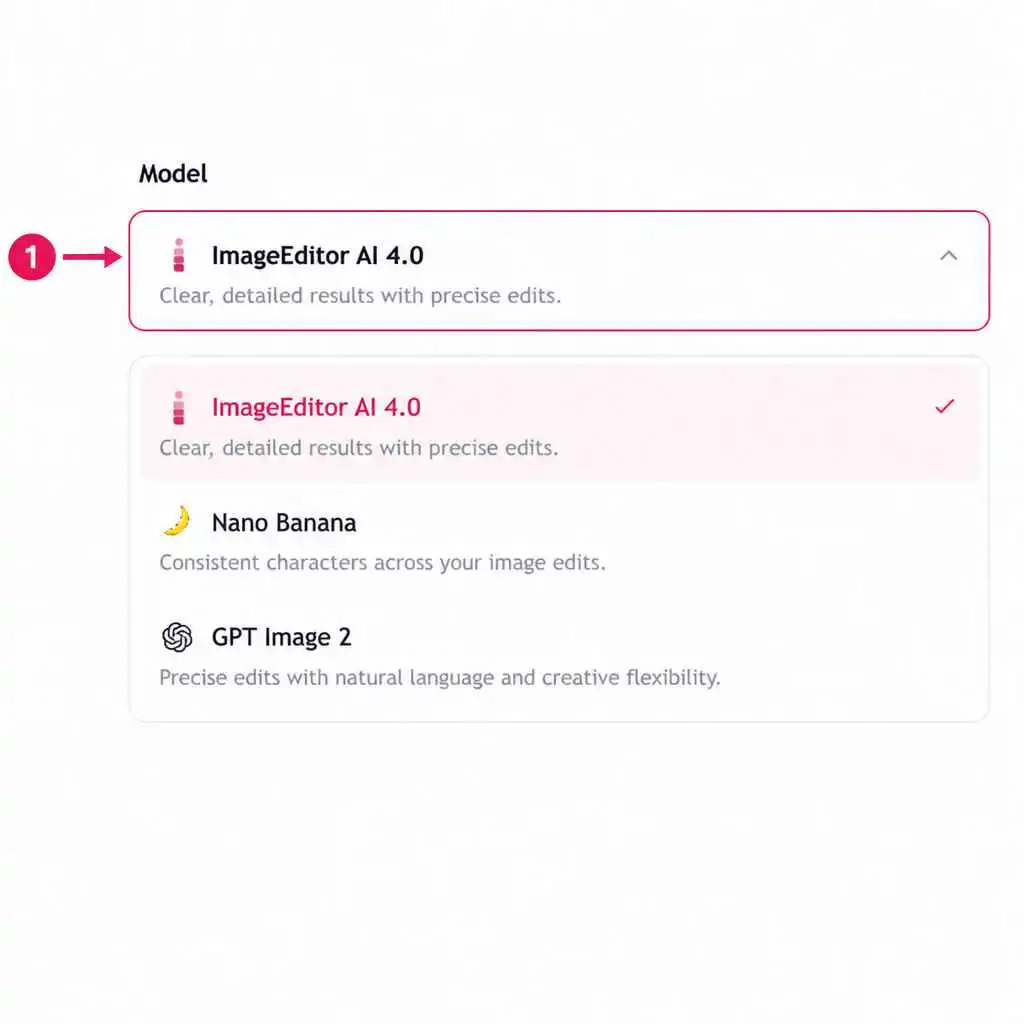
Choose an AI image generation model in ImageEditorAI.
Choose a model

Choose an AI Image Generation Model

Explore the available AI models and review their descriptions to find one that fits your creative goals. Consider the visual style and type of image you want to create before making your selection.
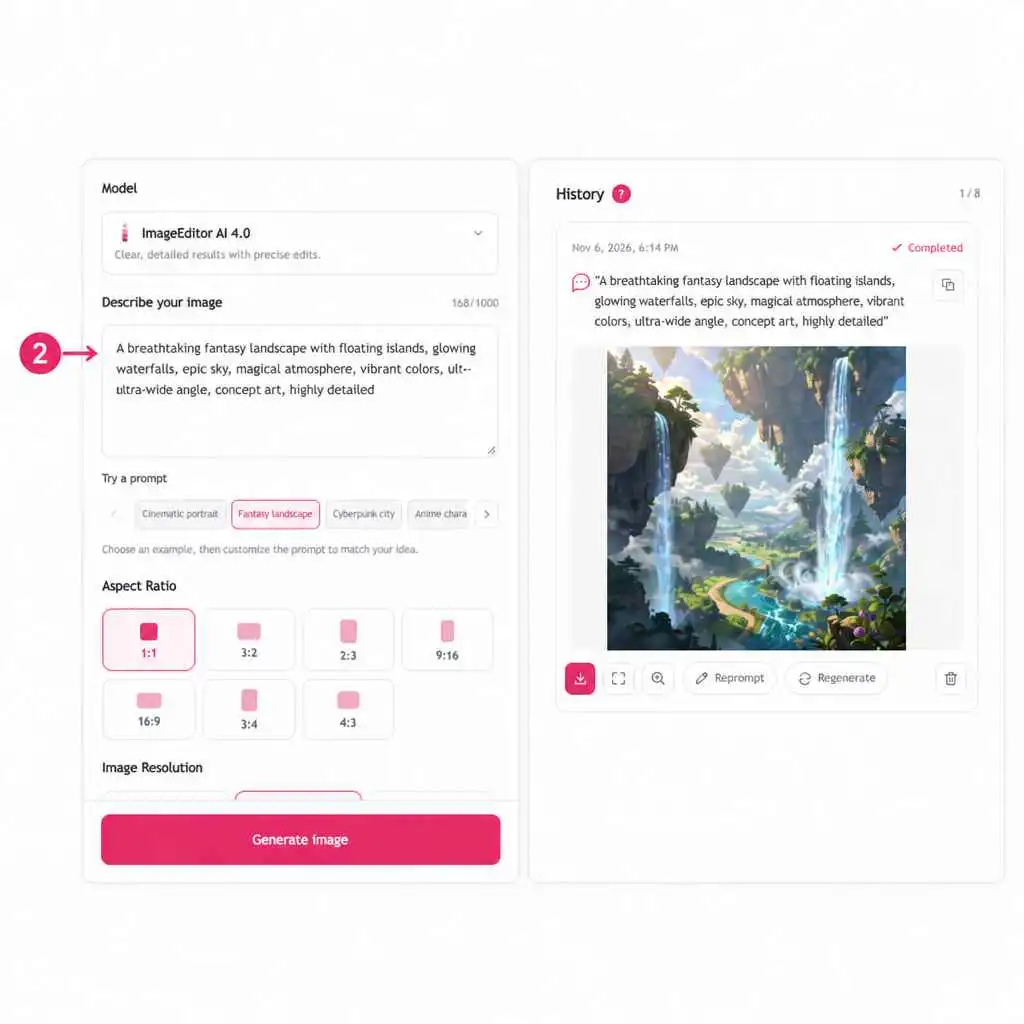
Enter a text prompt describing the subject, setting, style, and lighting in ImageEditorAI.
Write your prompt

Enter Your Image Generation Prompt

Describe the image you want to create, including the subject, setting, artistic style, lighting, and composition. Clear and specific instructions help the AI image generator better understand your vision.
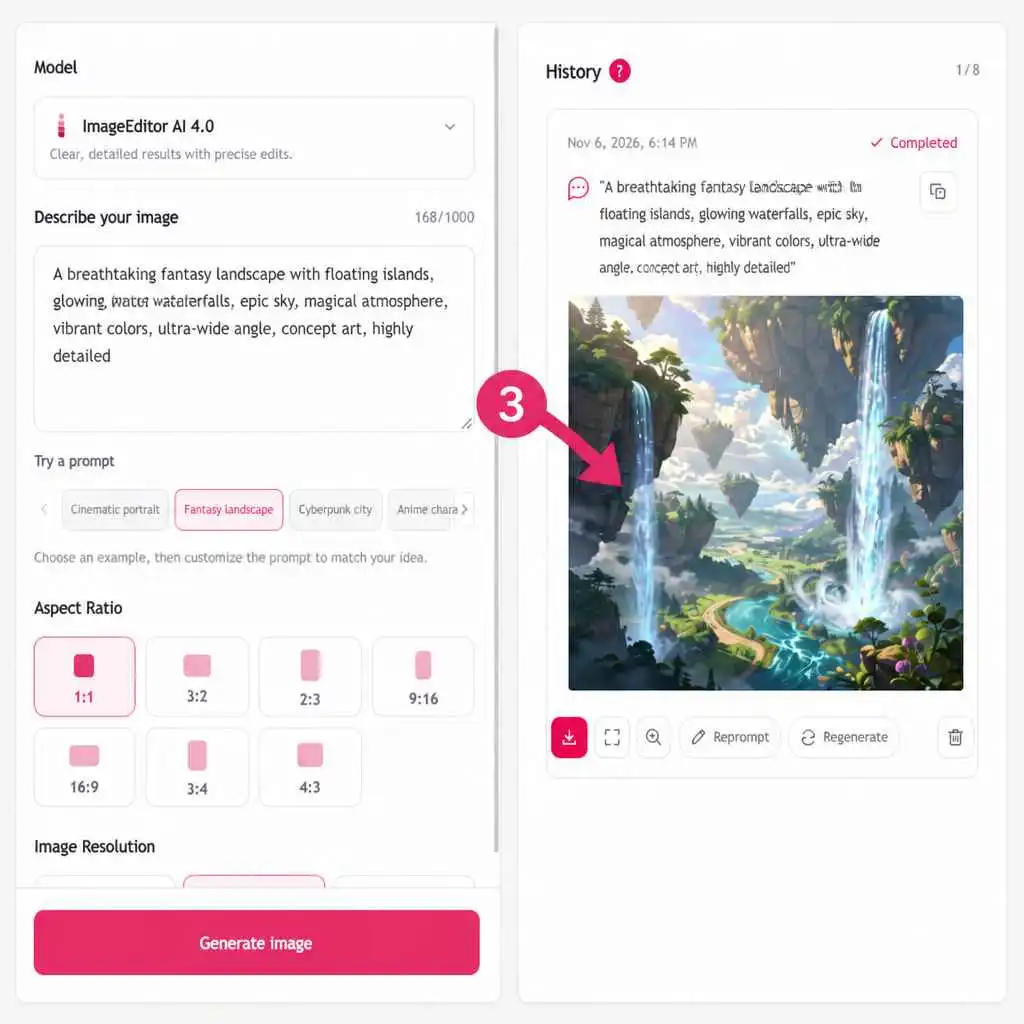
Preview and download the generated image in ImageEditorAI.
Preview and download

Generate and Download Your AI Image

Submit your prompt and let the AI image generator create your picture. Preview the result, adjust your prompt if needed, and download your favorite image for your next project.

AI Image Generator Stories from Creative Work

From illustration studies to decorative artwork, discover how written descriptions can support different creative projects.
ImageEditorAI user Tessa Whitmore
Tessa WhitmoreCeramic Artist

I described a bowl shaped like a curled leaf to the AI image generator. Looking at the interpretation helped me decide which part of the silhouette I wanted to investigate with clay.

Ceramic Form Studies
ImageEditorAI user Elliot Marsh
Elliot MarshIndependent Publisher

The free AI image generator let me try an ornamental border of moths and branches for a small poetry booklet. I used the result to work out how much decoration the page could carry.

Booklet Decoration
ImageEditorAI user Marina Bell
Marina BellRetail Display Stylist

Using text to image AI, I requested folded paper flowers around a tall display stand. The image made it easier to discuss the scale of the decorations with the shop owner.

Window Display Planning
ImageEditorAI user Dylan Mercer
Dylan MercerStill Life Photographer

I used the AI photo generator to explore side lighting on a silver vessel. Examining the generated reflections helped me decide what I wanted to experiment with in the studio.

Lighting Experiments
ImageEditorAI user Keira Holt
Keira HoltCalligraphy Hobbyist

I gave the AI image creator a description of pale wildflowers along one edge of a sheet. The artwork helped me choose a decoration direction before adding my lettering separately.

Decorative Paper Artwork
ImageEditorAI user Rowan Price
Rowan PriceFitness Writer

The AI picture generator gave me an illustration to evaluate for an article about desk breaks. I checked the posture carefully and chose a version that helped explain the movement.

Movement Illustrations
ImageEditorAI user Nadia West
Nadia WestRestaurant Owner

I compared several AI generated images of citrus and striped pottery while thinking about artwork for our dining room. Seeing the colors together helped narrow down what we wanted on the wall.

Restaurant Art Concepts
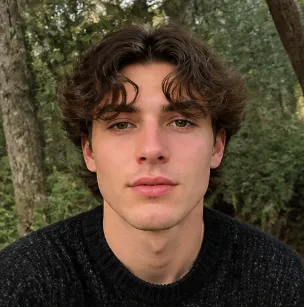
ImageEditorAI user Victor Ames
Victor AmesApp Interface Designer

The AI image maker helped me explore a small illustration for an empty dashboard screen. I described a friendly mechanical character sorting blank cards and used the result to discuss the visual tone.

Interface Illustration Concepts
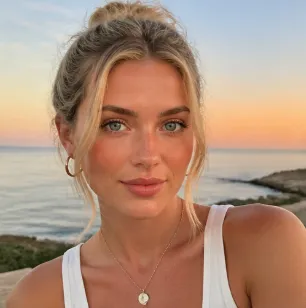
ImageEditorAI user Jasmine Ford
Jasmine FordCraft Workshop Host

Through the free AI photo generator trial, I explored a neatly arranged weaving table. It gave me a mood reference for planning the workshop's materials display.

Workshop Styling References
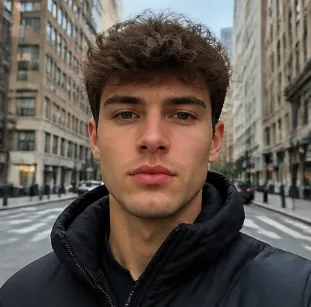
ImageEditorAI user Theo Blake
Theo BlakeLandscape Architecture Student

I wanted to investigate seating around a circular courtyard. A written description gave me an image I could annotate, making it easier to explain which spatial relationships needed more work.

Courtyard Design Studies
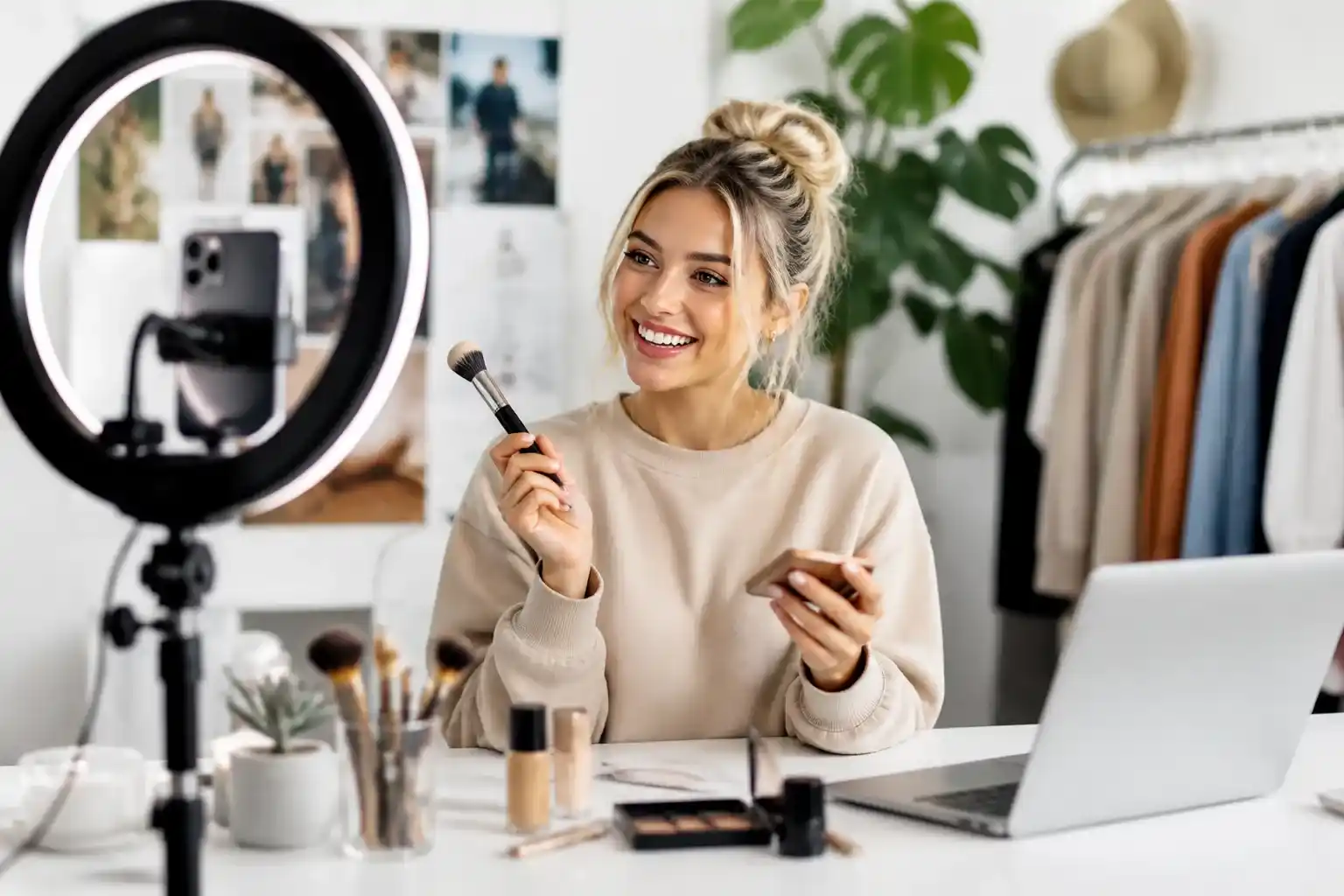
AI Image Generator FAQs

What Can This AI Image Generator Create?

Use ImageEditorAI to generate pictures from written descriptions, including illustrations, decorative artwork, and photographic concepts. Describe a subject, setting, and style, then preview the interpretation and download a result you want to keep.

Is There a Free AI Image Generator Trial?

Yes. ImageEditorAI offers a free AI image generator trial so you can explore text-based generation with an idea of your own.

How Do I Use This AI Image Generator Free Online?

Enter your description and submit it to generate an image. Preview the result to see how the tool interpreted your words, then download your selection. If a detail needs changing, revise the description and generate again.

How Do I Find the Best AI Image Generator for Me?

Choose a task you can evaluate clearly, such as a single-subject illustration or a still-life concept. Use the same brief when comparing tools, and assess the image, workflow, and current usage terms against your needs.

What Should I Test in the Best Free AI Image Generator?

Use the free trial to check prompt interpretation, visual details, and the download process. Consider whether the trial lets you test a representative assignment and inspect the file you save.

Can I Use an AI Photo Generator for Realistic Scenes?

You can describe a photographic scene with specific materials, lighting, and camera angles. An AI photo generator creates a visual interpretation, so examine proportions, reflections, and other details before treating the result as ready for your project.

What Can I Explore with a Free AI Photo Generator?

Try a still-life arrangement, a surface texture, or a lighting concept through the free trial. A free AI photo generator can help you picture a proposed scene before deciding whether to develop it through photography or further design work.

Can an AI Picture Generator Make Different Art Styles?

Describe the medium and visual qualities you want, such as pencil shading, watercolor washes, or a flat illustration with a limited palette. Keep the subject consistent while changing those instructions to explore how different styles affect the picture.

Can I Try the AI Picture Generator Free with My Own Prompt?

Yes. You can try the AI picture generator free through ImageEditorAI's trial using a description you write yourself. Start with one subject and a small number of details so the result is easy to assess.

Do I Need to Upload a Reference Image?

This generation workflow starts with text, so you do not need a source photograph. Include the important visual information in your prompt, such as the subject's appearance, the surroundings, and the mood you want to convey.

How Can I Make My Prompts More Useful?

Replace broad requests with visible details. Instead of asking for an interesting vase, describe a narrow terracotta vase with a wavy rim on a linen-covered table. If the interpretation misses your goal, revise the relevant detail before generating again.

What Should I Check in AI Generated Images?

Review the main subject, edges, repeated objects, and any lettering. AI generated images may contain errors or unexpected details, so check the areas your project depends on before using your downloaded selection.

Can I Use Downloaded Images for Commercial Projects?

Review ImageEditorAI's current usage terms for the license and any restrictions that apply to your output. Also consider whether the content involves protected brands, characters, or likenesses; downloading an image does not by itself resolve those rights.